> For the complete documentation index, see [llms.txt](https://docs.nedyx.com/llms.txt). Markdown versions of documentation pages are available by appending `.md` to page URLs; this page is available as [Markdown](https://docs.nedyx.com/version-1.52-preview/getting-started/preparation.md).
# Preparation
We start with creating a copy of a template for the Investment Calculator.
1. Login to nedyx. This will take you to the **My Apps** page.
2. Duplicate the app *Getting started* by clicking on **Duplicate App** in the three dots menu:

3\. On the duplicated app, click on **Edit App** in the three dots menu. In the following dialog **Edit App** you can rename the app, add a description or an image according to your preferences. Then click on **Update** to save the changes.

**Note**: You can type in whatever you like, nobody else is able to see or open your app until you share it with others.
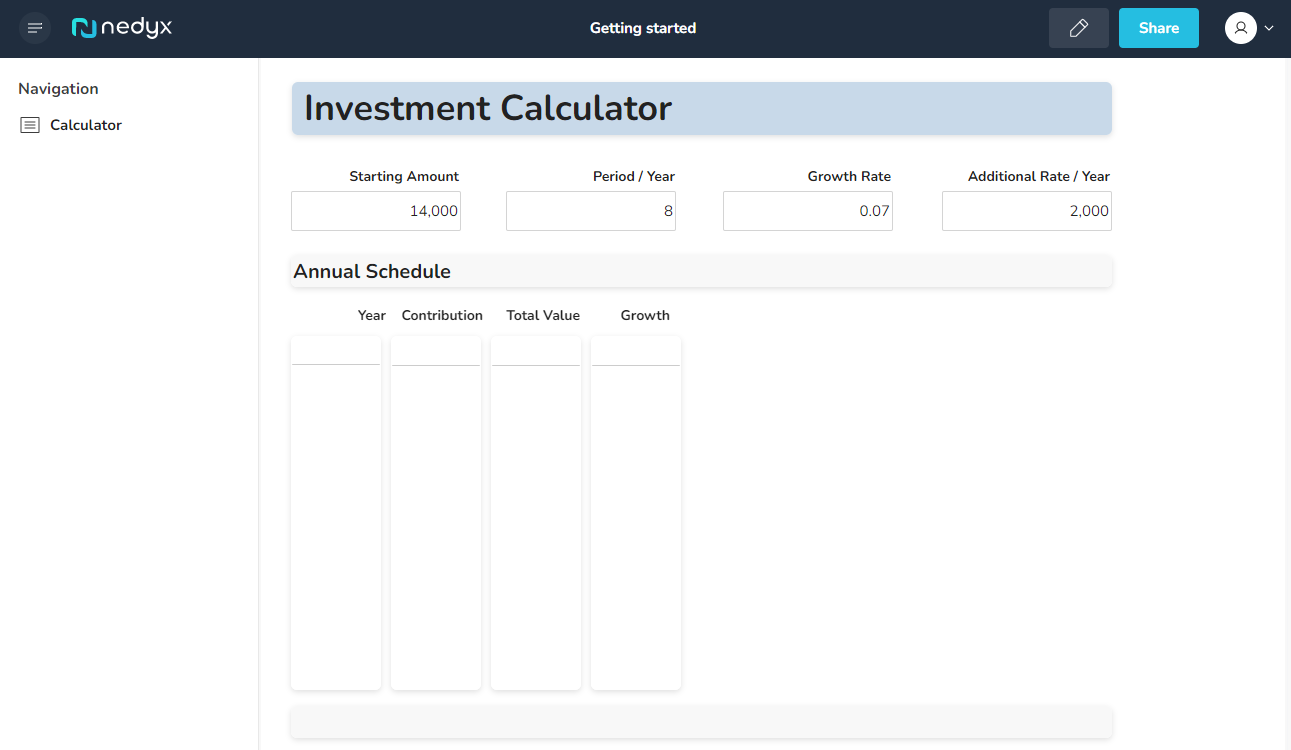
4\. Now click on the app tile to open the app. This opens the app in Live mode, the standard usage mode of nedyx apps.
In the left **Navigation** area, you see the pages of your app. Currently the app contains only one page named *Calculator*.
5\. Click on the Edit mode button. 
During the next chapters you will learn about the single areas of the nedyx Edit mode step-by-step.